

Authors Note: I was surprised to learn that some people don’t like Disturbed’s version of The Sound of Silence. Paul Simon, however, called it “very much accomplished” and “one of the greatest covers ever,” which reassured me—it’s not just me!
Reflecting on why I love Disturbed’s version, I realised it comes down to tone and politics (hear me out). While Simon and Garfunkel’s original is brilliant, it carries a youthful, almost ‘college’ quality. Disturbed’s rendition, on the other hand, injects grown-up depth and soul (sorry, Paul—I love your work too). Their version feels more relevant to today, telling a story for the current era rather than the 1960s.
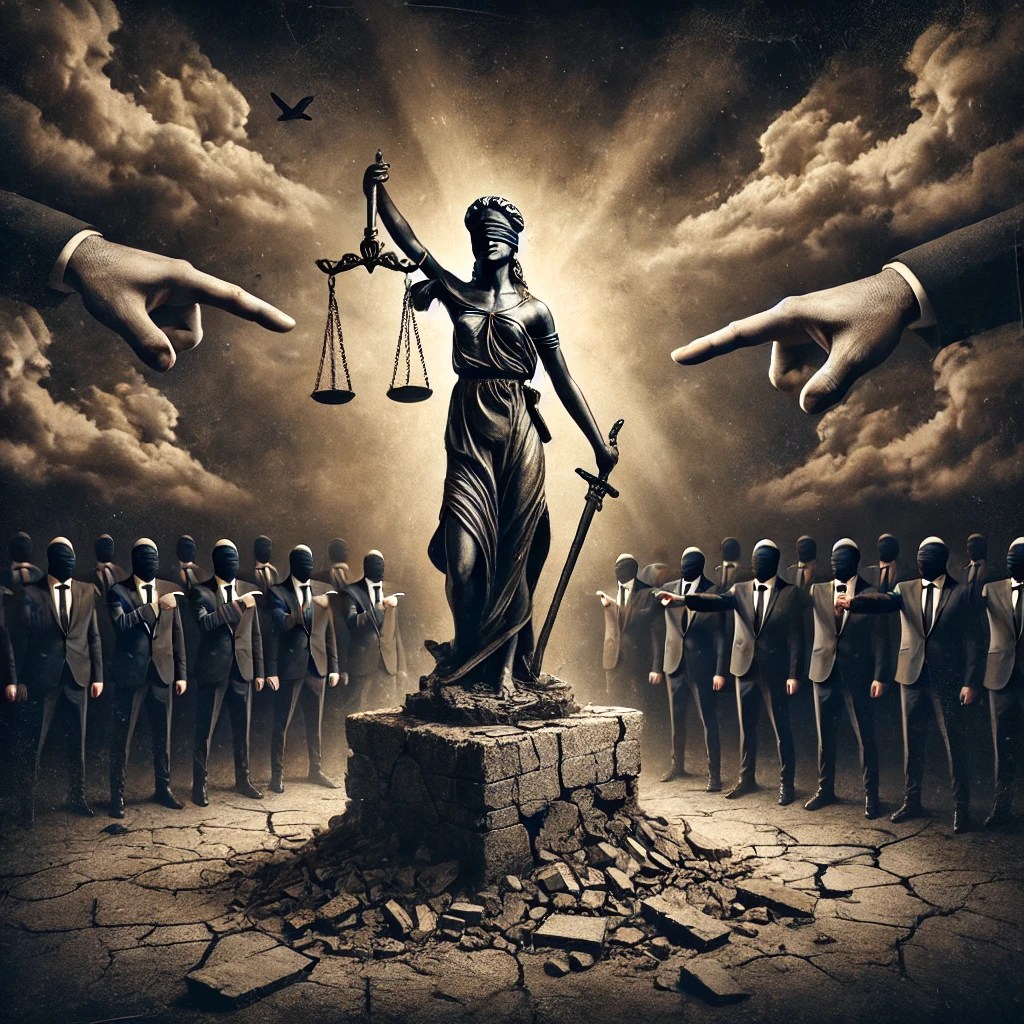
This inspired me to adapt the song for the current mess in which the UK wallows. And honestly, I’d love to hear Disturbed sing it! If you haven’t heard their version yet, I’ve included the YouTube version below—you’re in for a treat.
To be played at maximum volume.
Confounded Silence
Verse 1
Hello freedom, my old friend,
It seems you’ve come to meet your end.
Your voice once roared, but now it falters,
Bound by chains and broken altars.
And the vision of a nation free and brave,
It cannot be saved—
Drowned beneath the sound of silence.
Verse 2
In restless halls of power they scheme,
To dim the light of freedom’s gleam.
And leaders speak with voices hollow,
Demanding truths that we must follow.
And the words they spread are twisted, cold, and bare,
But none dare declare—
For fear of the sound of silence.
Verse 3
“Fools,” said I, “you do not see,
Freedom dies in apathy.”
Silenced cries and muted faces,
Fear entrenched in public spaces.
And the dreams of the people drift to ash,
As shadows amass—
And drown us in the sound of silence.
Bridge
The prophets wrote in ink and fire,
But now their voices conspire
To echo only what they’re told,
No dissent, no truths bold.
And the walls of democracy begin to crack,
As speech turns back—
To whispers in the sound of silence.
Outro
And the people bowed and prayed,
To the lies their leaders made.
And the truth was cast as treason,
Bound and gagged without a reason.
And the warnings flashed, “Freedom must be saved!”
But no one was brave—
Lost within the sound of silence.
 Verbal Alchemy